To enter the settings, make a long press on the key. Press the ("next") to go to the next setting or press ("save") to save the settings and go back to the main menu.
1. The screen contrast
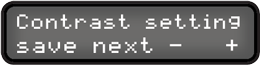
Change the constrast by pressing the or the key("-" or "+").
2. The leaf temperature difference
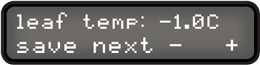
To calculate the V.P.D., the Egrowr needs to know the difference between the air temperature and the leaf temperature. Both temperatures should be measured by a infrared thermometer pointing under the highest leaf of the plant and on the space surrounding the plants. If there is no access to an infrared thermometer, leave "-1.0C" as leaf temperature value.
Change the leaf temperature difference by pressing the or the key ("-" or "+").
3. The temperature unit
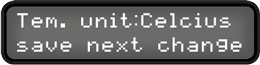
Press the key ("change") to switch between Celcius and Fahreneit temperature unit.
4. The electro-conductivity unit
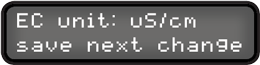
Press the key ("change") to switch between uS/cm and different ppm unit.
5. The display backligh switch off delay
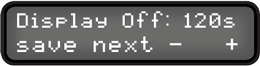
Choose the delay after which the Egrowr switch off the LEDs and display backligh when no actions are made on the device.
6. The EC temperature compensation ratio
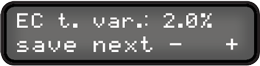
The EC measurements are temperature compensated. Usually, there is a 2% variation per degree Celcius that needs to be taken into account. However, this value slightly depends on the type of ion disolved in the solution. If there is an important variation in the EC value when the solution tempeature changes without actually changing the EC, change this setting to best match the characteristics of the solution.
7. The WiFi channel in the DIRECT MODE
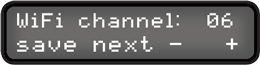
Choose the WiFi channel that will be used in the DIRECT MODE when the Egrowr sets-up its own WiFi access point. This setting can be useful if it is difficult to connect directly to the Egrowr while in DIRECT MODE.
8. The WiFi channel in the DIRECT MODE
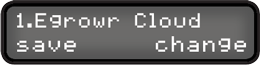
Change the server to which the Egrowr sends data in CLOUD MODE. Please leave the "A" server option except in case of support demand.